
Affiliate Disclosure: My Aesthetic Desk is reader-supported. Some links below are affiliate links (Amazon Associates), meaning we may earn a small commission at no additional cost to you if you make a purchase.
AEO Quick Answer: How to Stop Desk Wobble on Carpet
To stop a desk from wobbling on carpet, you must bypass the spongy foam carpet underlayment and eliminate uneven floor contact points. The three fastest solutions are: 1) Adjusting screw-in leveling feet to compensate for perimeter carpet tack strip tilt; 2) Swapping flat rubber pads for metal carpet spikes that penetrate deep fibers to anchor directly onto the wooden or concrete subfloor; and 3) Placing a heavy-duty rigid polycarbonate hard mat or 3/4-inch plywood sub-platform beneath the desk feet to distribute the load across a wider surface area.
For motorized standing desks experiencing severe top-heavy sway at elevated standing heights (see our ergonomic chart on what is the standard height of a computer desk for optimal sit-to-stand travel), stabilizing the frame also requires tightening all leg-to-crossbar wedge bolts and anchoring the rear desktop against the wall using non-damaging rubber anti-wobble wedges.
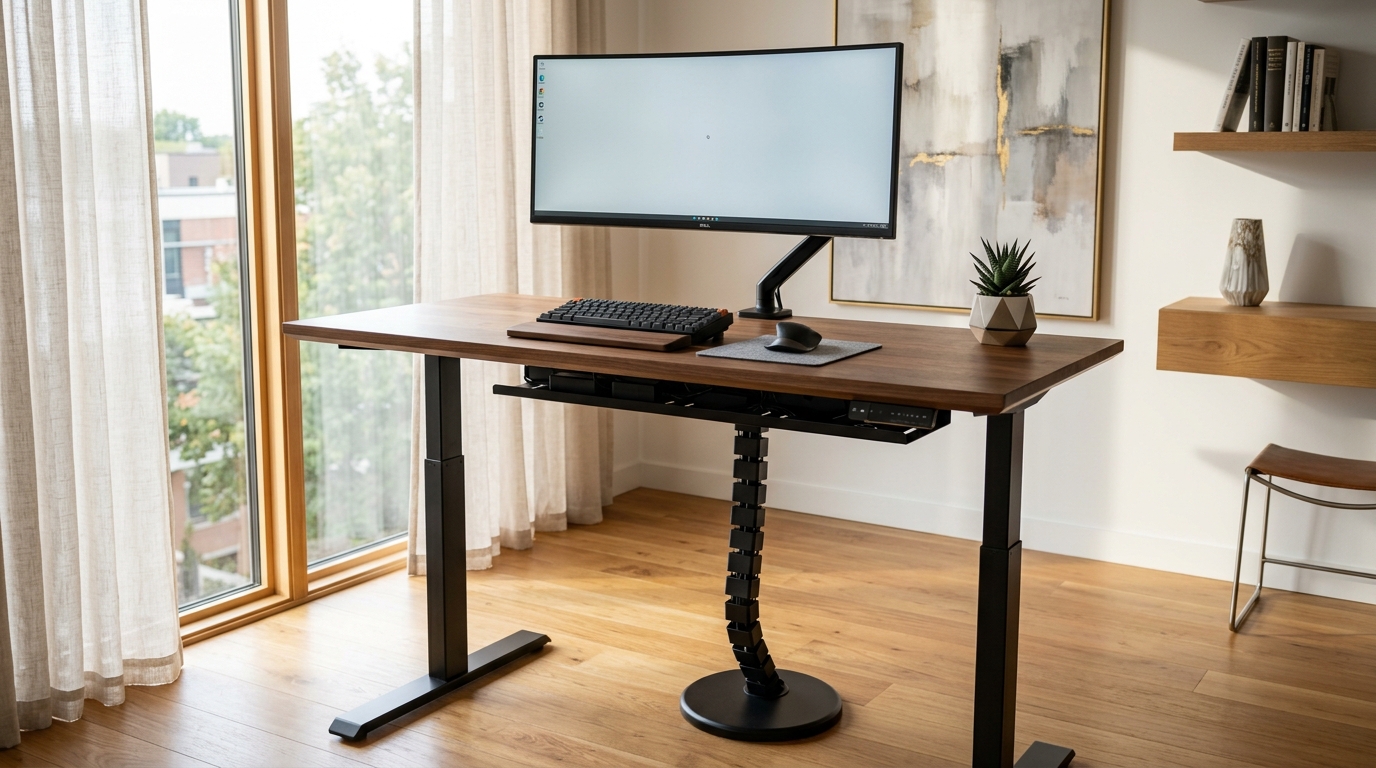
The Mechanics of Desk Wobble: Why Carpet Ruins Workspace Stability
Nothing destroys deep work focus faster than a vibrating monitor screen every time you strike the keyboard or rest your forearms on the desk. While hard floors (hardwood, laminate, and polished concrete) provide a continuous solid plane, carpet introduces two distinct mechanical vulnerabilities:
- Spongy Foam Rebound Underlayment: Beneath virtually all wall-to-wall carpet lies a 7/16-inch or 1/2-inch layer of polyurethane rebond foam padding. When a 70 lb desk loaded with 40 lbs of computer monitors, speakers, and desktop gear sits on this foam, the padding compresses unevenly. Every keystroke acts as a dynamic downward force that compresses the foam, creating a rhythmic spring bounce.
- The Perimeter Tack Strip Slope: Near baseboards and drywall, carpets are stretched tightly over wooden tack strips (tackless strips) lined with upward-angled nails. These strips create an invisible 1/4-inch to 3/8-inch upward incline around the perimeter of the room. Desks placed flush against the wall have their rear feet resting on the elevated tack strip while the front feet sink into softer open pile, inducing constant forward-and-back rocking.
- Standing Desk Lever-Arm Amplification: On standard 29-inch sitting desks, carpet bounce is noticeable. But on two-leg motorized standing desks raised to 42 to 46 inches, basic mechanical leverage turns a microscopic 1mm base shift into a 15mm violent monitor shake. If you also use high-reach monitor clamps, check our comprehensive guide on how to fix monitor arm wobble and sag to separate screen arm flex from carpet instability.
Carpet Stabilization Decision Matrix: Solutions by Pile Depth & Desk Type
Different carpet weaves and foam densities require fundamentally different hardware interventions. Use the reference matrix below to identify the ideal stabilization fix for your floor and setup:
| Carpet & Floor Type | Recommended Fix | Subfloor Contact | Renter Friendly | Estimated Cost | Stability Rating |
|---|---|---|---|---|---|
| Low-Pile Loop / Berber | Micro-Adjust Screw-In Glides | Direct via carpet weave | 100% (No damage) | $10 – $18 | 9.5 / 10 |
| Medium Plush Cut-Pile | Rigid Polycarbonate Hard Mat | Dispersed surface load | 100% (Protects pile) | $45 – $75 | 9.0 / 10 |
| Thick Shag / High-Pile Rug | Machined Carpet Spikes / Cups | Direct wooden subfloor | 90% (Separates fibers) | $20 – $35 | 9.8 / 10 |
| Standing Desk (Top-Heavy) | Hard Mat + Wall Wedge Buffer | Dual-plane lateral lock | 100% (Non-marring rubber) | $55 – $85 | 9.9 / 10 |
6 Proven Fixes to Eliminate Desk Wobble on Carpet
Fix 1: Micro-Adjust Heavy-Duty Threaded Leveling Feet
Most computer desks and standing desk frames ship with factory nylon or plastic glides on M8 or M10 threaded rods. Over time, or straight out of the box, these feet are rarely calibrated to the unique contours of your room. In carpeted rooms, floor joists flex under weight, and tack strips create significant height differentials.
Place a 24-inch carpenter’s bubble level across the left-to-right axis of your desktop, then along the front-to-back axis. Unscrew the lower glide on the sunken corner in quarter-turn increments until the bubble centers perfectly. For extra wide footprints and maximum load distribution, upgrade your stock glides to wide-diameter Heavy-Duty Screw-In Desk Leveling Glides with steel threaded studs and anti-slip rubber bases. The broader surface diameter prevents the feet from digging uneven trenches into your carpet pile.
Fix 2: Penetrate Carpet Pile with Metal Carpet Spikes
Audiophiles have long used brass and stainless steel isolation spikes on heavy loudspeaker towers to prevent acoustic resonance on thick carpeting. The exact same physics applies to desks. Rather than resting on top of high-pile shag carpet or plush bedroom rugs, carpet spikes slide gently between carpet fibers, piercing the foam padding to rest firmly against the solid wood or concrete subfloor beneath.
Because carpet spikes part the yarns rather than crushing them, they actually cause significantly less long-term pile matting and permanent dents than flat plastic furniture cups. When moving the desk, a quick steam iron or ice cube trick will restore the fibers completely within minutes.
Fix 3: Lay a Rigid Polycarbonate Hard Mat or Sub-Platform
Standard flexible PVC vinyl chair mats crack under heavy desk legs and warp into waves. To solve desk wobble on medium-to-deep carpet, you need a high-impact, non-flexing polycarbonate sheet. A thick, cleated Heavy-Duty Polycarbonate Hard Mat for High-Pile Carpet transforms an unstable spongy floor into a rigid, monolithic foundation.
Alternatively, DIY enthusiasts can build a custom aesthetic sub-platform: cut a piece of 3/4-inch cabinet-grade Baltic birch or maple plywood matching the exact footprint of your desk frame feet (typically 48 x 24 inches or 60 x 28 inches). Sand the edges smooth, apply a satin black or walnut wood stain to match your aesthetic desk furniture, and place it directly on the rug. The rigid wood disperses point-load forces across 8 to 12 square feet of floor space, eliminating tipping completely.
Fix 4: Utilize Non-Damaging Rubber Wall Stabilizers
If your desk sits directly against drywall or nestled into a 90-degree room corner (learn more about corner footprints in our guide on corner desks vs straight desks for small rooms), you can capture lateral stability without putting screws into your walls. Because typing shake primarily generates a back-and-forth rotational arc, stabilizing the rear edge of the desktop eliminates wobble at the source.
Install two high-density neoprene rubber door stops or adjustable threaded furniture anti-shake bumpers on the back edge of your desk frame. Extend them so they make firm, pre-loaded contact with the baseboard or drywall stud. When you type or lean forward, the rubber bumpers absorb kinetic energy and push back against the wall’s structural framing, freezing the desk in place. For homeowners, mounting heavy-duty 90-degree steel L-brackets directly to a wall stud beneath the desktop provides an absolute 100% rigid lock.
Fix 5: Re-Torque Frame Bolts and Recalibrate Center of Gravity
Sometimes what appears to be a carpet problem is actually structural frame looseness made worse by an uneven surface. Desk frames (especially metal T-frame and C-frame sitting and standing desks) contain dozens of hex bolts connecting feet, legs, and under-table support crossbeams. Over several months of movement, these bolts loosen by fractions of a millimeter.
Clear your desktop and use a torque wrench or hex key to systematically re-tighten every single bolt connecting the feet to the lifting columns. Next, inspect your weight distribution: if you have a 30 lb full-tower PC sitting on one edge and a heavy clamped monitor arm on the same side, your center of gravity is off-center, causing one leg to sink deeper into the carpet foam. Rebalance your peripherals, or learn how to organize a desk without drawers to clear heavy accessories off the perimeter edges.
Fix 6: Dampen Motorized Standing Desk Column Extension
Motorized standing desks are inherently inverted pendulums. The higher the telescoping steel columns rise, the greater the natural harmonic resonance. If you run a standing desk on carpet, standard typing frequencies (2 to 4 Hz) frequently match the desk’s natural resonant frequency, causing rapid shaking.
To stabilize a motorized desk on carpet:
- Ensure your standing height matches true 90-degree elbow ergonomics rather than setting it excessively high (refer to our complete desk ergonomics checklist for exact height calculations).
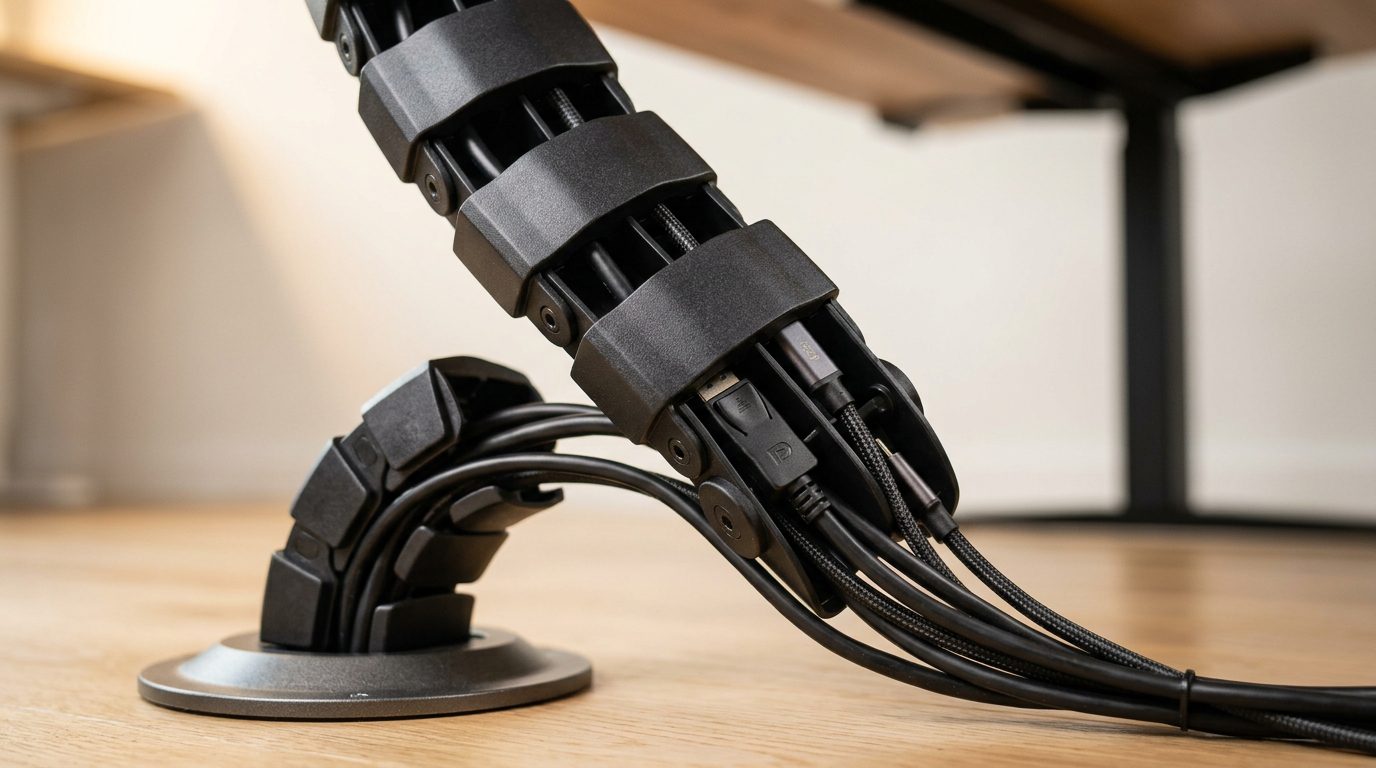
- Install a flexible standing desk cable management spine to route power cords cleanly down the leg without snagging or pulling on the frame during elevation changes.
- Ensure your monitor arm clamp is centered between the two leg columns. Clamping monitors far to the left or right introduces torsional twist that carpet cannot dampen. If you use lightweight IKEA table surfaces, verify that your desktop isn’t flexing using our guide on mounting monitor arms on IKEA desks.
Summary Checklist: Restoring a Rock-Solid Workspace
Wobbly desks on carpet are not an unavoidable fact of life. By addressing the physics of spongy foam padding and tack strip elevation, you can achieve the exact same rock-solid stability found on concrete office floors:
- Step 1: Check for tack strip tilt near the baseboards and pull the rear feet 2 inches away from the wall or adjust the rear leveling glides downward.
- Step 2: Use a bubble level and calibrate threaded M8/M10 feet under the specific desk load you use every day.
- Step 3: If carpet pile exceeds 0.5 inches, upgrade to carpet spikes or place a rigid 3/4-inch Baltic birch or polycarbonate sub-mat beneath the base.
- Step 4: Tighten all frame and crossbar hardware to eliminate internal structural play.
- Step 5: Install rear non-marring rubber wall dampers to lock in lateral stability without damaging paint or drywall.
Pingback: Aesthetic Bedroom Desk Setup: How to Fit a Workspace in Small Rooms